Channels
Manage CasparCG channel configuration and default channel assignments.
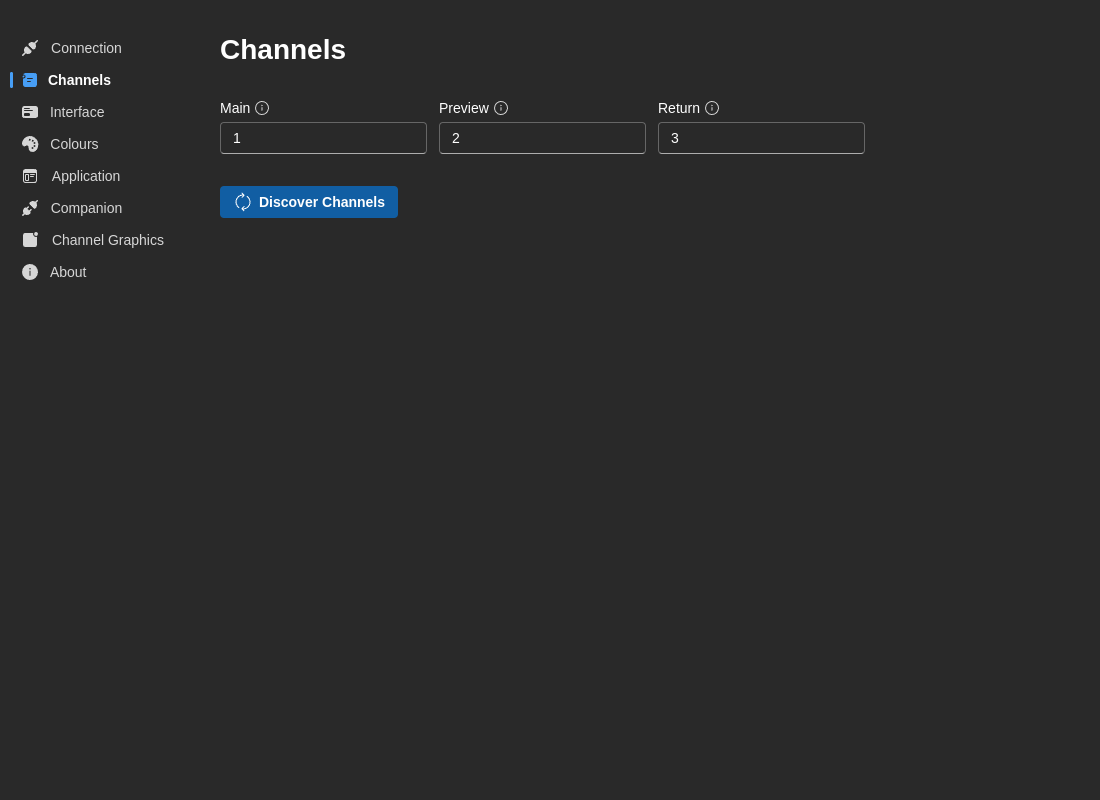
Default Channel Assignments
Configure which channels to use for different outputs:
Main Channel
- Default:
1 - Description: Primary output channel for program graphics
- Use Case: Your main broadcast output
Preview Channel
- Default:
2 - Description: Preview/monitor channel for reviewing content before going live
- Use Case: Off-air preview output
Return Channel
- Default:
3 - Description: Return feed or auxiliary output channel
- Use Case: Confidence monitors, return feeds, or backup output
Channel Discovery
Automatically discover and configure channels from your connected CasparCG server.
How to Discover Channels:
- Ensure you're connected to the CasparCG server (Connection tab)
- Click Discover Channels button
- 7CG queries the server for available channels and their properties
- Choose how to handle discovered channels:
- Merge - Keep existing custom names, update metadata
- Replace - Replace all channels with discovered ones
Saved Channels Table
View and manage your saved channel configurations:
Channel Properties:
- Channel Number - The CasparCG channel number (1-based)
- Custom Name - Your custom label for this channel (e.g., "Program", "Preview")
- Video Mode - The channel's configured video format (e.g., "1080p5000", "720p5000")
- Framerate - Detected framerate (if available)
- Status - Enable/disable channels
- Discovery Date - When the channel was last discovered
Actions:
- Edit - Rename or modify channel properties
- Delete - Remove channel from saved list
- Toggle Enable - Enable or disable channel
info
Discovered channel information includes video mode and framerate data from the CasparCG server's INFO CONFIG and INFO CHANNEL commands.
Troubleshooting
No Channels Discovered
- Ensure you're connected to CasparCG (check Connection tab)
- Verify CasparCG configuration includes channel definitions
- Check that channels are properly configured in
casparcg.config - Try manual channel creation using Edit button