App Settings
Configure application behavior, updates, and logging.
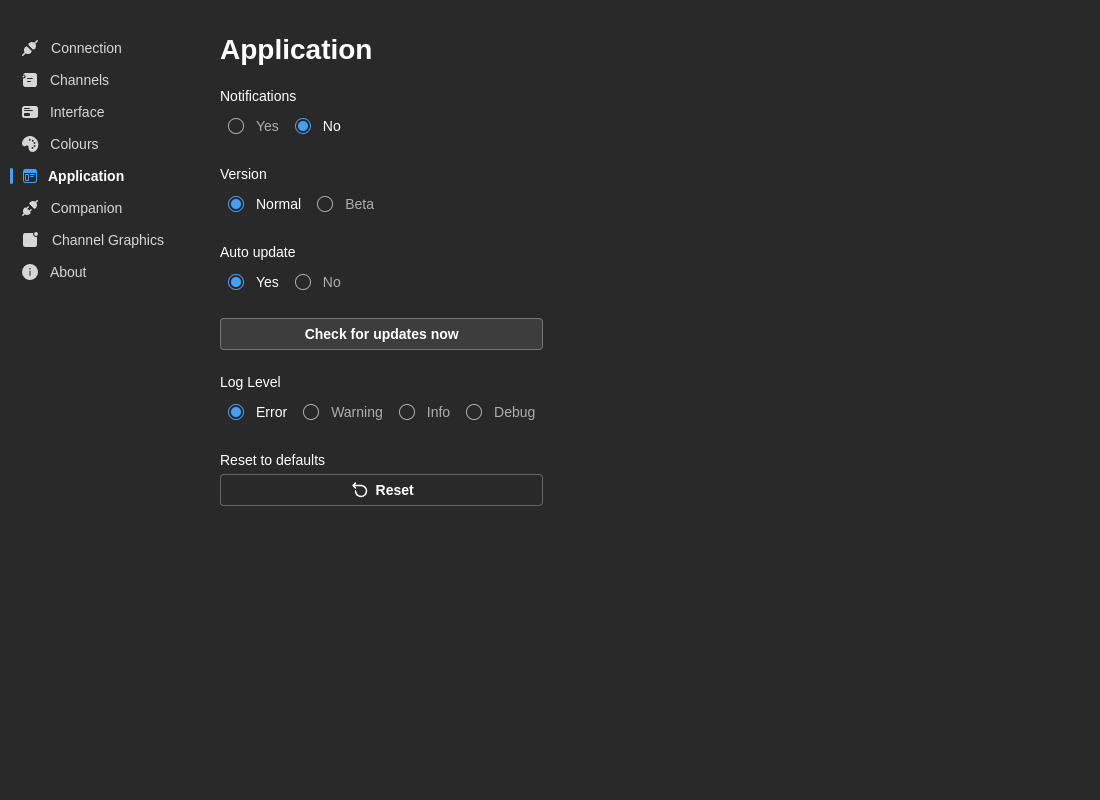
Notifications
Enable Notifications
- Default: Yes
- Options: Yes / No
- Description: Show toast notifications for errors, warnings, and success messages
Version Channel
Choose which updates to receive:
- Normal - Stable releases only (recommended for production)
- Beta - Early access to beta releases with new features
warning
Beta versions may contain bugs or incomplete features. Use Normal channel for production environments.
Auto-Update
Enable Auto-Update
- Default: Yes
- Options: Yes / No
- Description: Automatically download and install updates when available
When enabled:
- Updates download in the background
- You're notified when an update is ready
- You choose when to install (restart required)
Manual Update Check:
- Click Check for Updates to manually check for new versions
- Shows "Up to date" toast if no updates available
- Switches to About tab if update is available
Log Level
Control the verbosity of application logs:
- Error - Only critical errors
- Warn - Warnings and errors
- Info - General information, warnings, and errors (default)
- Debug - Detailed debugging information (verbose)
When to Use:
- Production: Use Info or Warn
- Troubleshooting: Use Debug for detailed diagnostics
- Development: Use Debug
About
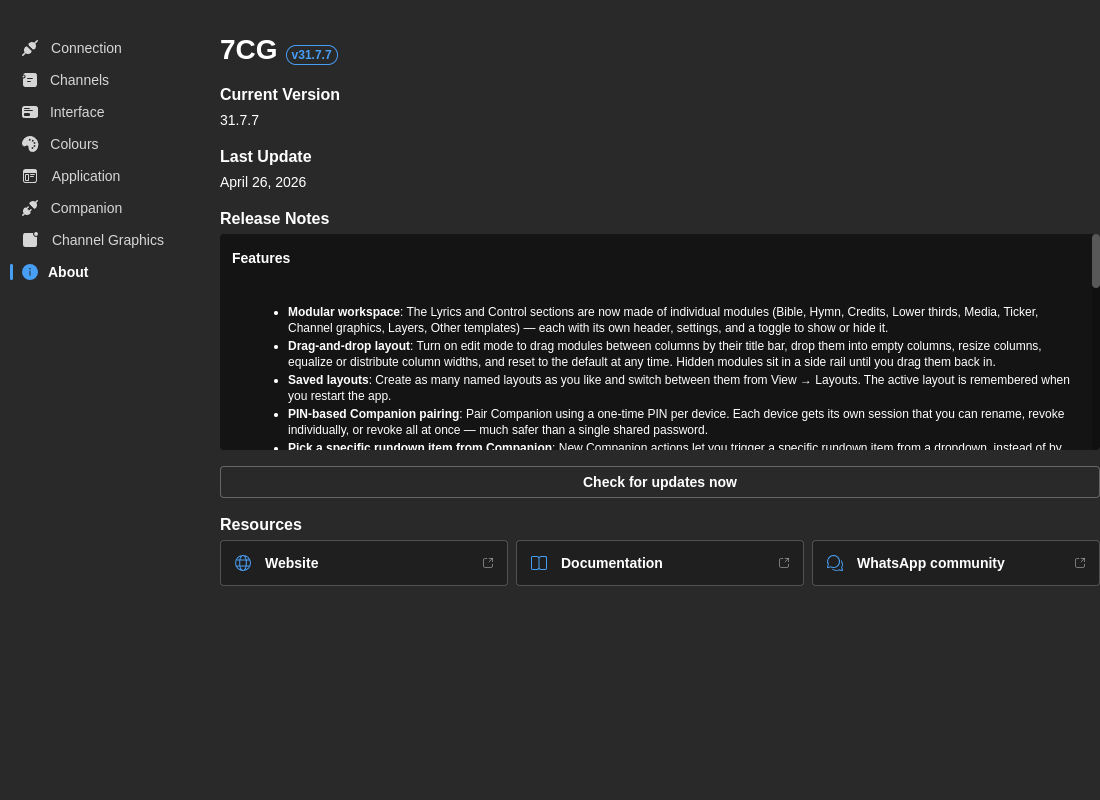
The About section in App Settings includes:
- A link to the documentation site (this site)
- A WhatsApp contact for direct support
- App version and build information
External links from the About section open in your default browser rather than inside the 7CG window.
Reset to Defaults
Reset All Settings
- Resets all application preferences to factory defaults
- Note: This does not delete your rundowns or database content
danger
Resetting preferences will require you to reconfigure your CasparCG connection, channels, and all other settings.